


When it comes to gaming or fast-paced content, a higher refresh rate can make a noticeable difference in the visual experience. The two most common refresh rates for monitors are 144Hz and 60Hz, with 144Hz being the faster option. While a 60Hz monitor refreshes the screen 60 times per second, a 144Hz monitor refreshes the screen 144 times per second, resulting in a smoother and more fluid motion. However, a higher refresh rate does come with a higher cost, and not all computers and graphics cards can handle it. In this article, we will explore the differences between 144Hz and 60Hz and help you decide which refresh rate is best for your needs.
Related: Best 120HZ TV for Gaming – 5 Models From Budget to Premium
Table Of Contents
What are 60Hz and 144Hz Anyway?
What does the “Hz” mean in the first place? You guessed it. It stands for ‘Hertz’ which is a unit of frequency. Hz is the unit of measure for the refresh rate of displays. They are always advertised, so you won’t have difficulty asking the manufacturer about them.
The refresh rate is the rate at which your screen changes your whole display. It applies to all displays – smartphones, TV, and monitors. A refresh rate exists because screens have regular intervals of changing the display you see on the screen. If a refresh rate is 60Hz, the screen “refreshes” the entire display 60 times per second. If it’s 144Hz, it refreshes 144 times in a second.
Related: Best Gaming Laptop – 7 Machines for All Budgets in 2023
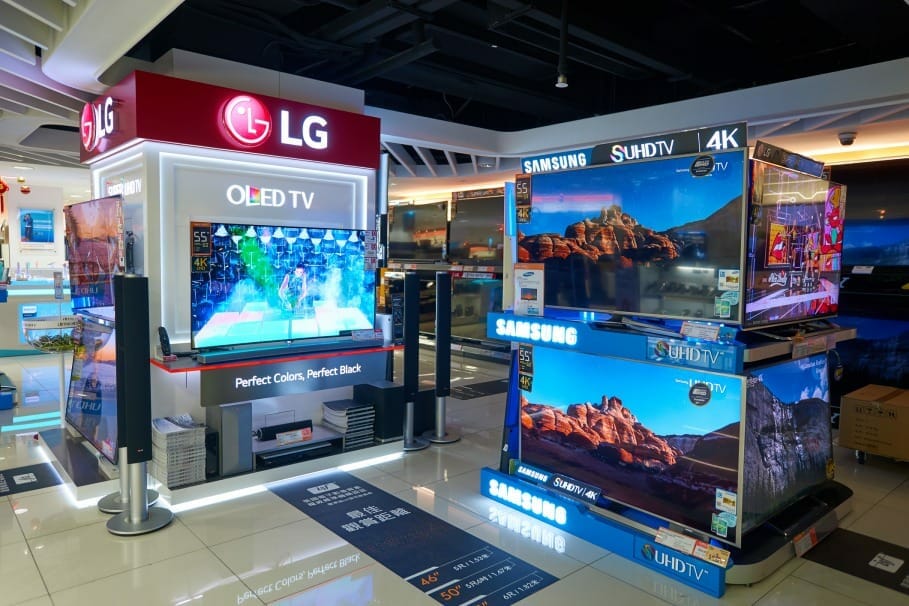
HONG KONG – CIRCA JANUARY, 2016: an electronic store at a shopping center in Hong Kong. Shopping is a widely popular social activity in Hong Kong.
You might have come across frames per second (FPS) and wondered how different it is from the refresh rate. The concept is very similar, but the main difference is that FPS refers to your graphics card’s performance. Specifically, it discusses the number of frames per second your graphics card renders. For the refresh rate, it only talks about the display on the monitor.
For easier understanding, here’s an example. Say you have a game that is 360 frames per second. If you have a 60Hz monitor, then you can have 6 fewer refreshes on your monitor.
Related: 8 Best Ultrawide Monitors: Which one to Buy?
Why is Refresh Rate Important?
60Hz in itself seems fast, but is it that fast? And how does a refresh rate affect a gaming experience?
If you’re playing a video game, most likely, you would want to have the graphics refresh the fastest so you can easily see your game in split seconds. If you’re playing a fast-paced game like action and competitive ones, you don’t want slow refresh rates here, or you’ll lose (at least there’s a high chance of it). For hardcore gamers, every millisecond counts; if your display is slow, it risks your high score.
For smartphones, a higher refresh rate means that the change in the display is smoother and, of course, faster. However, the thing with videos on the smartphone is that they are automatically reduced to 24Hz, so having something higher than 60Hz can be useless. However, a higher Hz will be handy if you play fast-paced games on your phone.
Related: Best Monitor For Xbox Series X And Series S – 5 Models And Buying Guide
Is 144Hz Better than 60Hz?

HONG KONG – NOVEMBER 02, 2015: interior of store in New Town Plaza. New Town Plaza is a shopping mall in the town centre of Sha Tin in Hong Kong. Developed by Sun Hung Kai Properties
HONG KONG – NOVEMBER 02, 2015: interior of the store in New Town Plaza. New Town Plaza is a shopping mall in the town center of Sha Tin in Hong Kong. Developed by Sun Hung Kai Properties
While most people would say that ‘the higher the refresh rate, the better, this is not always the case, like the example with phones above, if most of the games you will play and the videos you watch are not above 60Hz, a high refresh rate will be useless. If you plan on upgrading your phone to a higher refresh rate and then using it for browsing, it barely makes a difference, and you will end up wasting money.
Related: Best 1440P 144HZ Monitor – 7 Options For All Budgets
Regarding monitors for games, the 144Hz is a lot better as far as the refresh rate is concerned. You can see a difference in performance. However, this will not be obvious until you compare them side by side or you’ve tried them both.
Users using the 144Hz refresh rates that moved to 60Hz noticed that their games felt slightly slow in terms of display. This is rightly so since the screen can only do 60 refreshes per second. Users also noticed that the monitor felt a little sluggish. So if you love gaming as much as the next person, 60Hz might dampen your game and mood.
There’s only one caveat to this. While the 144Hz is a great choice, it does not have the display quality that 60Hz has. 60Hz monitors have better screen resolutions, making them ideal for those who prefer high-quality graphics. Some buy a monitor with a refresh rate close to the frames per second of the games they use.
Nonetheless, it all comes down to preference and need. If you prefer a higher-quality screen resolution and design, then a 60Hz monitor would be better for you. Otherwise, if you’re not sensitive to the actual screen resolution, then 144Hz can be your choice.
What About 240Hz?
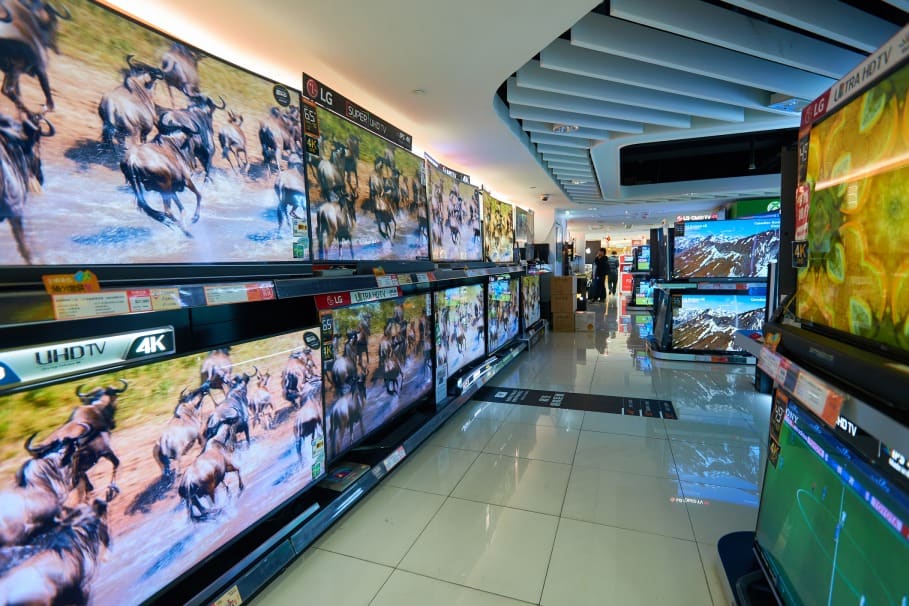
ONG KONG – CIRCA JANUARY, 2016: an electronic store at a shopping center in Hong Kong. Shopping is a widely popular social activity in Hong Kong.
The highest refresh rate available in the market is 240Hz. It’s said to have more fluidity and speed than the 144Hz. However, there are not a lot of monitors with this type of refresh rate. In all honesty, you might even struggle to find one.
And it’s not just that. When you shift to 240Hz, you must ensure that your computer’s settings can also be set to work with this refresh rate. If not, then it would be useless again.
Since it’s the highest refresh rate in the market, people will be bound to say that it’s the best. Take this with a grain of salt because it will not be so different from the 144Hz. Unlike the change you experience from the 60Hz to the 144Hz, there’s not a lot of visible improvement with the 240Hz.
Buying a 240Hz monitor only makes sense if you are a top-tier gamer and are already at a competition/professional level. If you gain a competitive advantage against your competitors, then upgrading to the highest refresh rate can also be wise. Of course, you still have to check your processor and computer to see if the games can run adequately on a 240Hz monitor.
Overall, the highest is not always ideal regarding the refreshing rate. Like the other parts of your computer, you must strike a balance between performance, quality, price, and availability. These things will help you decide which monitor will be best for you.
